YouTube Video Downloader
Save any YouTube video in seconds. Paste the link, pick MP4 or MP3, and download it in HD. No app to install, no account, and no cost.
YouTube Video Downloader
Download your own YouTube videos in HD MP4 or MP3, free, no login, no app.
This tool already has a free download server built in, so just paste a link and click Download, no setup needed. If you run your own Cobalt instance, you can paste its URL below instead, it is saved in your browser only.
If a download fails, wait a minute and try again, the free server is shared with other sites and can be busy at times.
How to use
- Copy the YouTube video link, watch, Shorts, or youtu.be link.
- Paste it above and choose MP4 or MP3.
- Click Download Video. The video will open in a new tab, save it to your device.
- Only download videos you own, or videos that are public domain / Creative Commons, or where the creator gave you permission.
Supported links: youtube.com/watch?v=…, youtu.be/…, youtube.com/shorts/…, youtube.com/embed/…, youtube.com/live/…
Disclaimer: This tool is for downloading your own content and public / licensed videos only. Downloading copyrighted videos without permission may violate copyright law and YouTube’s Terms of Service.
How to Download a YouTube Video
Downloading a video with this youtube video downloader takes less than a minute. You do not need to learn anything new, and you do not need to install anything. Here is how it works.
- Copy the video link. Open YouTube, find the video you want, and copy its link. A watch link, a youtu.be link, a Shorts link, or an embed link all work.
- Paste the link in the box above. You can also tap Paste and the tool will fill the link for you.
- Pick MP4 or MP3, then tap Download Video. The video opens in a new tab. Save it to your phone or computer, and it is yours to watch offline.
That is all. There is no sign up, no email, and no waiting line. You can download one video or many, one after another, for free.
Download YouTube Videos in HD Quality
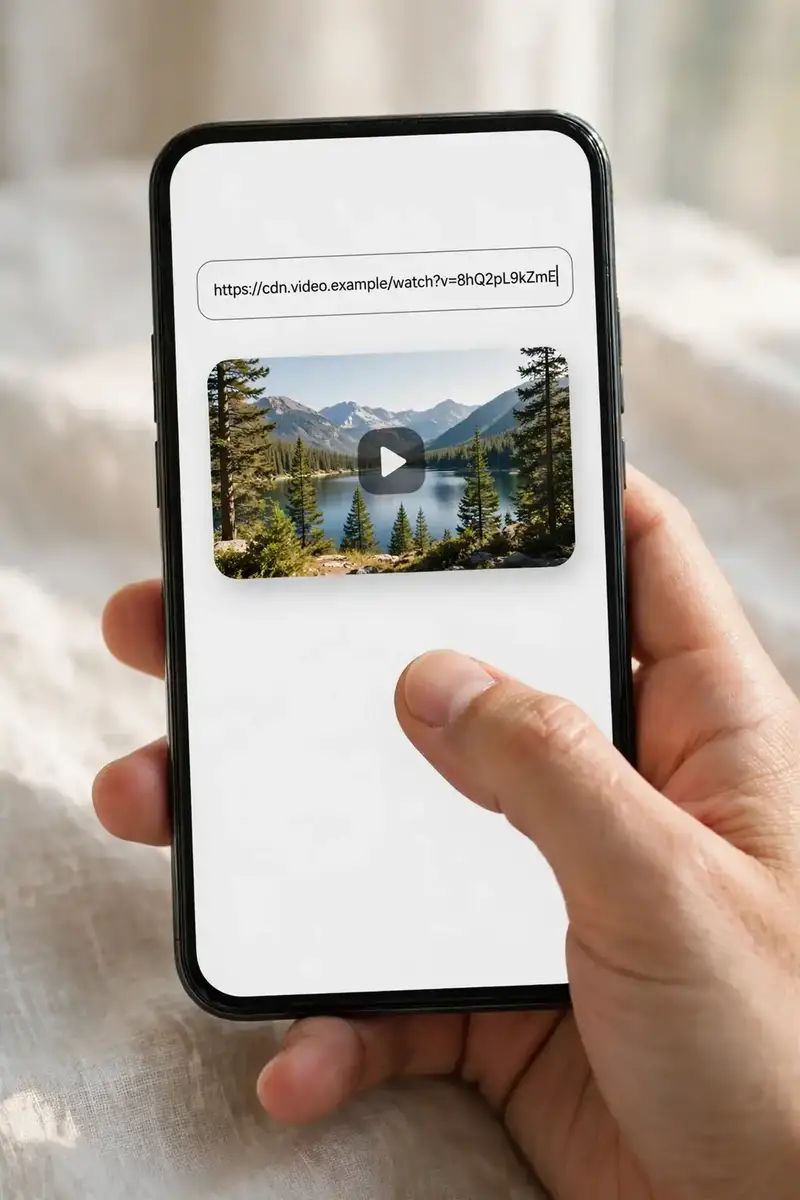
A good youtube downloader should give you a clear picture, not a blurry one. SaveVidPro lets you pick the quality that fits your need.
- 1080p Full HD. The best choice when you want a sharp picture on a big screen or a TV. The file is bigger, so it takes a little longer to save.
- 720p HD. A good middle ground. The picture stays clear, and the file stays small enough for a phone.
- 360p. The smallest file. Use it when your internet is slow or your phone is almost full.
Every download keeps the video's own quality. We do not shrink it or add anything to it. If the video on YouTube is in HD, your saved copy is in HD too. For the highest quality, including 4K, see our HD video downloader page.
YouTube to MP4 or MP3
Some people want the whole video. Some people only want the sound. This tool does both. Try the YouTube to MP4 page for video, or the YouTube to MP3 page for audio.
YouTube to MP4 gives you the video file. MP4 plays on almost every phone, tablet, computer, and TV, so you can watch it anywhere, even with no internet. It is the best choice for saving a full video to watch later.
YouTube to MP3 gives you the audio only. Pick this when you want a song, a talk, or a podcast from a video. The file is small, it downloads fast, and it plays in any music app. Some people look for youtube to wav, but WAV files are large and few players need them, so this tool gives you MP3 audio instead. See our MP3 downloader page for more.
You pick the format before you download, so you always get the file you asked for. No surprise format, no extra step.
Download YouTube Shorts Too
Shorts are short, but people still want to save them. This youtube video downloader works with Shorts links as well. Copy the Shorts link, paste it in the same box, and download it the same way. See our Shorts downloader page for more.
Why People Use SaveVidPro
There are many video downloader tools online. People come back to this one because it stays simple.
Free, always. You do not pay for a download, and there is no daily limit to worry about. The tool is free to use as often as you need it.
No login, no account. You never type an email or a password. You paste a link and you download. That is the whole process.
No app, no software. The tool runs in your browser. You do not need to download an app, install software, or add a browser extension to save a video. This also keeps your phone and computer clean.
Fast. The download starts in seconds, not minutes. Pick your format, tap the button, and save the file.
Private. We do not ask who you are, and we do not keep your links. The video goes straight to your device. Nothing you paste is stored on our site.
Download on Phone, Tablet or PC
You can download YouTube videos on any device with a browser. The steps are the same everywhere.
On Android, open Chrome, paste the link, and save the MP4 file to your phone. On iPhone, use Safari, paste the link, and save the file to your Files app. On a Windows PC or a Mac, paste the link and save the file to your Downloads folder.
You do not need a different app for each device. One tool in your browser does the job on all of them. If you want a video as an image instead, see our thumbnail downloader page.
On Android, this youtube downloader works right in Chrome. Open Chrome, paste the link, tap Download Video, and the MP4 file goes to your Downloads folder. From there you can move it, share it, or play it in your video app. It is the easy way to download YouTube videos on Android, because there is nothing to install and nothing to pay for.
On iPhone, open Safari and do the same. Safari will ask where to save the file. Pick Downloads, and the video will be in your Files app when it is done. You can watch it in Files, or move it to your Photos app.
On a Windows PC or a Mac, the steps are the same. Paste the link in your browser, pick the quality, and save video files to your Downloads folder. From there you can play them in any video player.
Save YouTube Videos to Watch Offline
One of the best reasons to save a YouTube video is to watch it later with no internet. A saved video plays anywhere, even when you have no signal at all.
Save a video before a flight, a long bus ride, or a trip where the internet is weak. Save a how-to video before you start a job, so you can watch each step without waiting for it to load. Save a video for your kids to watch in the car, without using your mobile data.
When you download YouTube videos to your device, they are yours to open any time. You do not need wifi, you do not use data, and the video never buffers. Watch it once or watch it ten times. It stays on your device until you delete it.
Download a YouTube Video from a Link
Every video on YouTube has a link, and this youtube video downloader works from that link. You do not need the video open in an app. You only need its web address.
Copy the link from the Share button under the video, or copy it from your browser's address bar. A youtube.com watch link works, and so does a short youtu.be link. This tool can download YouTube video URL links from the address bar or the Share button. The tool reads the video from the link and shows you the download options.
This is why people call it a youtube link downloader. You paste a link, and you get the video. You can download any YouTube video URL this way. Copy it from the address bar or the Share button, paste it in the box, and the YouTube URL download starts as soon as you tap the button. You can also download a video from a link a friend sends you in a chat or an email, or from a link you saved in your notes. To download YouTube clips from Shorts, copy the Shorts link and paste it here. Short clips download the same way as long videos.
Use It the Right Way
This tool is made for saving videos you have the right to save. Download your own videos, videos in the public domain, Creative Commons videos, or videos where the creator gave you permission to download them.
Do not download a video to re-upload it as your own, and do not use a saved video for commercial use without permission. The copyright belongs to the creator. Click the Share button only on videos you have the right to save, use them for personal use only, and remember the copyright belongs to the creator.
What Makes a Good YouTube Video Downloader
Not every downloader is worth your time. Some hide the real button behind ads. Some force you to install an app before they work. Some ask for your email and then send you spam. A good tool does none of that.
A good youtube video downloader shows you the download button right away. It tells you the quality and the format before you tap anything. It works in your browser, on any device, with no install. It does not ask for your name, your email, or your password.
It also respects your time. The page loads fast, the tool is at the top, and the download starts in seconds. You should not have to read a long guide to save one video. If a site makes you click five times before the real download appears, close it and use a simpler one.
SaveVidPro was built to be that simpler one. One box, one button, and your video. The tool sits at the top of this page so you can use it before you read anything else. The rest of this page is here only if you want to know more.
Frequently Asked Questions
Is this YouTube video downloader free?
Yes. It is free to use, with no account and no daily limit. You can download as many videos as you need.
Do I need to install an app to download YouTube videos?
No. The tool works in your browser on any device. You do not need an app, software, or a browser extension.
Do I need to log in or make an account?
No. There is no login and no sign up. Paste the link and download.
What quality can I download?
You can pick 1080p Full HD, 720p HD, or 360p MP4. If the video on YouTube is in a lower quality, the download will match that quality.
Can I download a YouTube video as MP3?
Yes. Pick the MP3 audio option before you download. You get the sound only, in a small file that plays in any music app.
Can I download a YouTube video as WAV?
No. This tool gives you MP3 audio, not WAV. If you need WAV, you can change the MP3 file to WAV later with a free audio tool on your computer.
Can I download YouTube Shorts with this tool?
Yes. Paste a Shorts link in the same box and download it the same way as a normal video.
Can I download a full playlist at once?
No. The tool downloads one video at a time. Paste each video link one by one. A playlist tool is not available here.
Can I download a private YouTube video?
No. Private videos cannot be downloaded. The video must be public, unlisted with a link you have, or one you own.
Is my download watermarked?
No. YouTube videos do not carry a watermark, so your saved video comes out clean, with nothing added to it.
Why does a new page open when I tap Download?
Your browser cannot save a YouTube video on its own, so the tool hands the link to a download service. If a new page opens, your video is there. Save it from that page. People also search for this tool as youtube 3mp, youtube tu mp3, or youtube mb4, which are common misspellings of youtube to mp3 and youtube to mp4.
Is it safe to use this YouTube video downloader?
Yes. The tool runs in your browser, asks for no personal details, and stores no file on our site. Only download videos you have the right to save.
Can I download a video in 4K?
Yes, if the video itself is in 4K. Use our HD video downloader page and pick the 4K quality. The file is large, so it takes longer to save, and you need enough free space on your device.
How long does a download take?
A short video takes only a few seconds. A long video in Full HD takes longer. The time depends on the length of the video, the quality you pick, and your internet speed.
Can I download the same video more than once?
Yes. There is no limit. If you lose the file or want it in a different format, paste the link again and download it again.
What if the download does not start?
First check that the link is a full YouTube link, not a shortened link from another app. Then try MP4 720p, which works on most videos. If it still does not start, check your internet and try again in a minute.
SaveVidPro is a simple youtube video downloader that does one job well. Paste a YouTube link, pick MP4 or MP3, and save the video in HD. No app, no login, no cost. Try it with your next video and see how fast it is.